
A good giveaway entry form should make it easy for people to participate while collecting the information needed to manage the promotion responsibly. Keep the form simple and ask only for the details necessary for the campaign. Clear instructions and well-organized fields help participants complete their entries without confusion or frustration. It is also important to explain how their information will be used and make sure the entry process follows the promotion’s rules. By keeping the form easy to use and collecting only relevant details, businesses can create a better participant experience and manage their giveaways more effectively.
Key Takeaways
- Decide what the form should help you accomplish before choosing fields.
- Ask only for information that supports entry, eligibility, or winner notification.
- Make the form simple to read and complete on a phone.
- Explain the prize, deadline, eligibility rules, and use of participant data.
- Review entries consistently and record how the winner is selected.
Decide What Your Giveaway Entry Form Needs to Accomplish
A giveaway entry form is more than a place to collect names. It sets the terms of the interaction: what someone needs to do, what information you need, and what happens after they submit. Start by deciding what success means for this campaign, then make the form serve that purpose without adding unnecessary steps.
Match the Form to Your Campaign Goal
A form designed to build an email list may need a different set of fields from one intended to gather creative submissions or identify eligible prize recipients. Be specific about the outcome you want, and make sure each question supports it. For broader planning, a lead acquisition strategy can help connect the offer, intended audience, and channels you use to attract entries.
Choose an Entry Method Participants Can Understand
Keep the entry action clear enough that someone can understand it at a glance. If a person needs to answer a question, upload a file, or complete another step, explain that before they begin and say what counts as a complete entry. The Floor23 Digital Contests Management Platform describes interactive entry options as a way to maximize participant engagement; whichever method you choose, make the requirements plain and consistent.
Balance Entry Volume With Useful Information
Every extra question takes time and attention, so weigh its value against the chance it will discourage a valid entry. A compact form can still support the campaign if it gathers the details required to administer the giveaway. Consider how each choice affects the experience:
| Form choice | Likely effect | Use it when |
|---|---|---|
| One clear entry action | Makes the next step easy to understand | The giveaway has a simple participation requirement |
| A short set of contact fields | Keeps the entry process focused | You need to reach a potential winner |
| Eligibility confirmation | Helps identify whether an entry meets stated rules | Age, location, or another restriction applies |
| Optional campaign question | Adds context without blocking entry | The answer has a clear use after the giveaway |
The best balance is not necessarily the shortest possible form. It is the shortest form that still lets you run the promotion as promised.
Choose the Right Fields For Your Giveaway Entry Form
A useful form asks for enough information to accept and administer entries, but not so much that participation feels intrusive. Before adding a field, decide how you will use the answer and whether you truly need it at entry. A giveaway entry template can offer a starting point for thinking through entry details, eligibility, and winner selection.
Collect Only the Details You Need
For many giveaways, a name and a reliable way to contact the entrant may be enough to manage the drawing and notify a potential winner. Add other details only when they have a clear purpose, such as verifying a stated eligibility rule or receiving a required submission. Collecting information “just in case” can make the form feel longer and less trustworthy.
Make Required and Optional Fields Clear
People should be able to tell which questions they must answer to enter and which are optional. Mark required fields consistently, and avoid making an optional request appear necessary. If you ask for extra information, a brief explanation can help participants understand why it is there and decide whether to provide it.
Add Eligibility Questions When Necessary
If the prize or promotion has age, location, or other eligibility limits, ask only the questions needed to screen for those requirements. The rules should explain the criteria; the form can then collect a straightforward confirmation or relevant detail. Keep the language neutral and avoid asking for sensitive information unless the giveaway rules and administration genuinely require it.
Design a Form That’s Easy to Complete
The form is part of the promotion’s first impression. Clear spacing, familiar labels, and a sensible sequence make it easier for participants to finish without guessing what you mean. A polished design should support the entry process, not distract from it.
Prioritize Mobile-Friendly Layouts
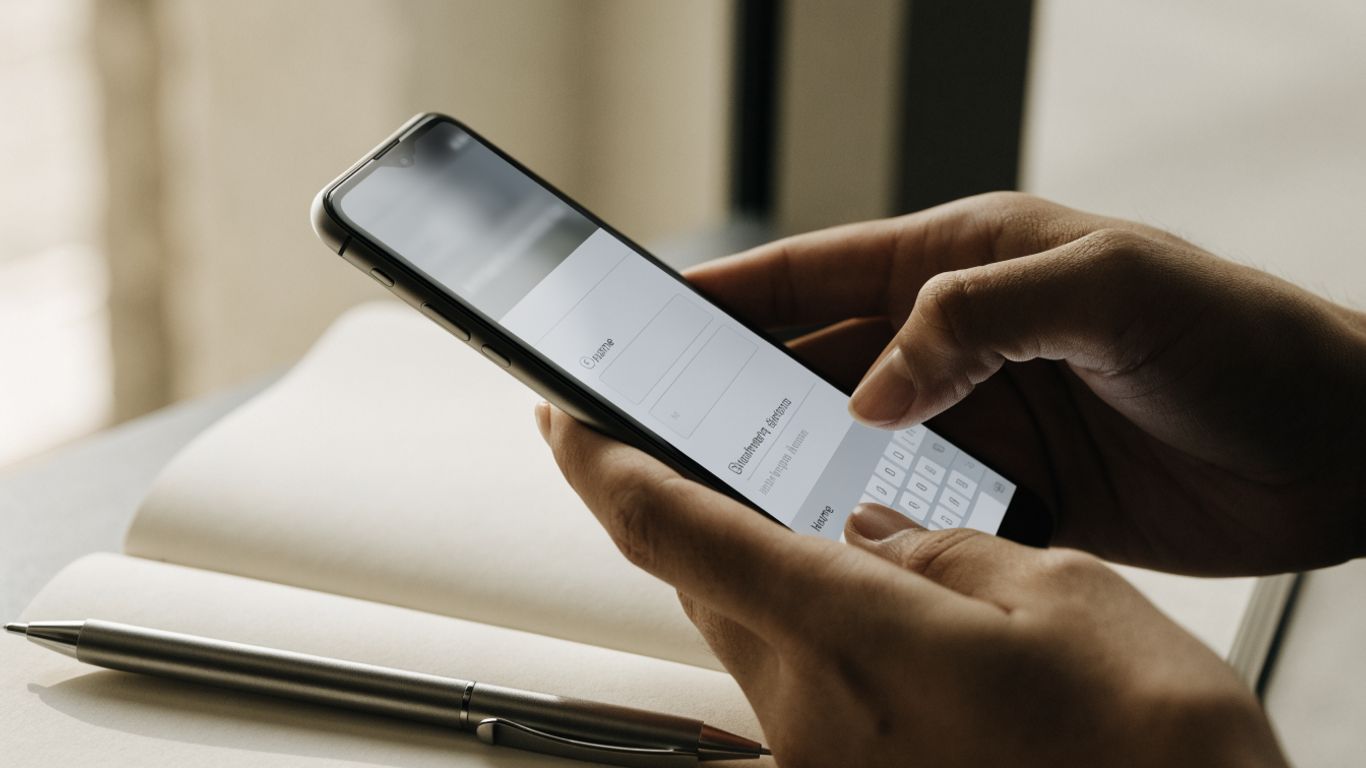
Many people will encounter a giveaway link on a phone, so the form should remain comfortable to read and use on a small screen. Keep fields in a simple vertical flow, make buttons easy to tap, and avoid forcing participants to zoom or scroll sideways. Preview the entire experience on a phone rather than assuming a desktop layout will translate well.
Use Clear Labels and Helpful Instructions
Use direct labels such as “Email address” rather than a vague prompt, and put any special instructions near the field they explain. Tell people what format is expected when it may not be obvious, such as the type of file they can submit. A short instruction at the right moment is usually more useful than a long block of directions at the top.
Reduce Friction With Sensible Field Types
Choose input types that match the answer: a short text field for a name, an email field for an address, and a checkbox when someone must confirm a statement. Avoid asking participants to re-enter information unless there is a practical reason. If there is a creative or written entry, explain its format and limits before the participant starts preparing it.
Explain the Rules and Protect Participant Information
Clear rules help people decide whether to enter and give you a consistent basis for handling submissions. Keep the main details easy to find, and make sure the form’s language agrees with the full giveaway terms. Participants should also understand what will happen to the information they provide.

State Eligibility, Deadlines, and Prize Details
Show the essential information where people can see it before submitting an entry. Include who may enter, when the promotion opens and closes, what the prize is, and any material conditions that affect participation. Specific details reduce confusion later, especially if the giveaway is shared beyond the audience you originally expected.
Link to Complete Giveaway Terms and Conditions
A brief summary on the form can make the main requirements easier to scan, while a clearly placed link can lead to the complete terms. Make sure the link works and that the full terms cover the rules participants need to understand. A contest entry form is one example of a format that can collect participant details alongside agreement to stated terms.
Explain How Entry Data Will Be Used
Tell participants what information you collect and how it relates to administering the giveaway. If you intend to use information for anything beyond entry management, describe that clearly and provide an appropriate choice where needed. Keep access to submissions limited to people who need it to run the promotion, and follow the privacy requirements that apply to your organization and location.
Share the Form and Encourage Eligible Entries
Once the form is ready, share it where the people you hope to reach are likely to see it. The message should make the prize and entry action easy to grasp, while the linked form carries the fuller instructions. A planned channel mix can help you reach the right audience without obscuring the rules.
Choose Channels That Reach Your Intended Audience
Use channels that already connect with the people who are eligible and likely to care about the prize. A campaign might use a website, an email announcement, or social posts, depending on where its audience pays attention. The Floor23 Digital Contests Management Platform describes data, insights, and lead generation as areas it covers; whatever your setup, decide in advance what you want to learn from the campaign.
Write a Concise Call to Action
Tell people what they can win, who can enter, and what action to take. Use a direct link to the form and avoid promising an outcome or benefit beyond what the official rules provide. A focused invitation is easier to act on than a caption crowded with every detail; reserve the complete rules for the form or linked terms.
Test the Form and Submission Confirmation Before Launch
A short pre-launch review can catch small problems that otherwise interrupt valid entries. Ask someone who has not built the form to try it on a phone and desktop, and check that each step behaves as expected. A practical test should include:
- Confirming that required fields are clearly marked.
- Opening and reviewing the rules link.
- Submitting a test entry on a phone and a computer.
- Checking that the confirmation message explains what happens next.
After testing, fix unclear wording and remove any unnecessary questions. A confirmation page or message should reassure people that their entry was received without implying that they have won.
Manage Entries and Select a Winner Fairly
The work does not end when the form goes live. Decide how you will review entries, confirm eligibility, and handle the drawing before submissions arrive. A consistent process makes it easier to treat participants fairly and explain the outcome if questions arise.
Organize and Review Submissions
Keep entries in a format that authorized organizers can review and search. Check that the information needed for winner notification is present, and use a consistent method to track whether each entry has been reviewed. The Floor23 Digital Contests Management Platform is described as supporting contest setup and management, which fits the practical need to plan and administer a contest.
Remove Duplicate or Ineligible Entries
Apply the published rules consistently when checking for duplicates or entries that do not meet eligibility requirements. Do not create new screening criteria after the giveaway begins. If an entry needs clarification, follow a process that is compatible with the rules and treat comparable cases the same way.
Document the Winner Selection and Notification Process

Before the drawing, record the eligible entry pool and the method you will use to select a winner. Keep a brief account of the selection and any eligibility checks, then notify the selected person using the contact method and timeline described in the rules. This record helps the team follow through accurately and gives the campaign a clear close.
Conclusion
A well-made giveaway entry form keeps the path to entry simple while making the rules, data use, and selection process clear. Choose only the fields that serve the promotion, test the experience before sharing it, and use the same fair process for every submission.
Explore contest management
Explore the contest management options available through the Floor23 Digital Contests Management Platform when you are ready to plan and manage a promotion.
Frequently Asked Questions
What should a giveaway entry form include?
Include the information needed to accept entries, contact a potential winner, and confirm eligibility when relevant. Keep the questions focused and explain any required steps.
Should every field on a giveaway form be required?
No. Require only the fields needed to enter or administer the giveaway. Label optional questions clearly so participants know they can skip them.
How many questions should a giveaway entry form have?
There is no universal number. Use the fewest questions that let you meet the campaign’s entry, eligibility, and notification needs.
How can I make my giveaway form easier to use on a phone?
Use a simple vertical layout, readable labels, fields that are comfortable to tap, and concise instructions. Test the full form on a phone before sharing it.
What rules should I show before someone enters?
Make eligibility, entry deadlines, prize details, and important conditions easy to find. Link to the complete terms so participants can review the full rules.
How should I protect information collected through an entry form?
Explain what information you collect and how you will use it. Collect only what is necessary, restrict access to submissions, and follow applicable privacy requirements.
How can I select a giveaway winner fairly?
Follow the selection method and eligibility rules stated before the giveaway began. Document the eligible pool, selection, and notification steps for a consistent record.